Oracy Anthologies 1 · Grade 1
Oracy Board
The smartboard app for Oracy Anthologies 1
Teaching Oracy Anthologies 1 in Grade 1? Bring the book to your classroom screen with Oracy Board. Download the app for lessons without internet.
Open Teacher Resources →Teacher account required · For teachers using Oracy Anthologies 1 · Grade 1
Sign in to open Oracy Board or download the offline app.
How to use it in your lesson
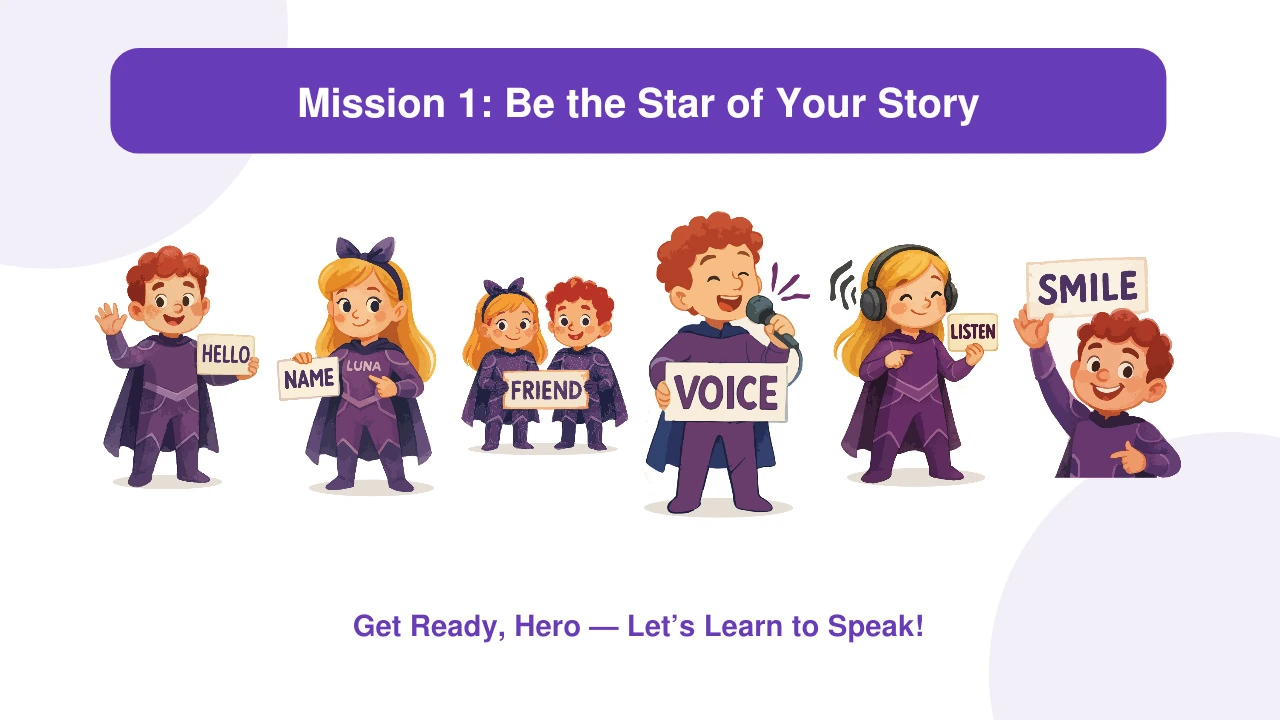
Oracy Board is the companion smartboard application for Grade 1 teachers using Oracy Anthologies 1. Open the matching mission on your classroom screen and use its lesson visuals, vocabulary and speaking activities alongside the book.
- Sign in to Teacher Resources and open Oracy Board, or download its offline app to your classroom device.
- Choose the mission that matches your Oracy Anthologies 1 lesson. Display its pictures and activities on the smartboard.
- Model the language, invite children to listen and speak, and return to the book to continue the lesson.
For Grade 1 teachers
Use the app alongside Oracy Anthologies 1 with your Grade 1 class. Model short responses, point to the lesson visuals and give children time to practise together before taking a turn.
Alongside Oracy Anthologies 1
Follow the mission you are teaching in Oracy Anthologies 1. The board supports the book lesson with a shared classroom view; it is designed for teachers using this specific title.
What do I need?
Oracy Anthologies 1, an authorised Oracy teacher account, and a smartboard or computer connected to a classroom screen. Internet is needed to access Teacher Resources and download the app; the downloaded Oracy Board app can then run offline.